
AppTab: Your App Data, Right There When You Open a Tab
Easy App Reports already solves the fragmented data problem. You connect your App Store Connect and Google Play accounts once, and from that point on your downloads, installs, earnings, and ad performance all live in one place. No more jumping between consoles.
But even with all your data consolidated, there's still a small ritual most of us do: open a browser, navigate to the dashboard, pick a date range, check the numbers. Maybe five clicks. Maybe thirty seconds.
It's not painful. But it adds up when you do it multiple times a day. And, honestly, it's just unnecessary friction for data you're going to check regardless.
That's why we're excited to introduce AppTab [download on the Chrome Web Store].
What AppTab Does
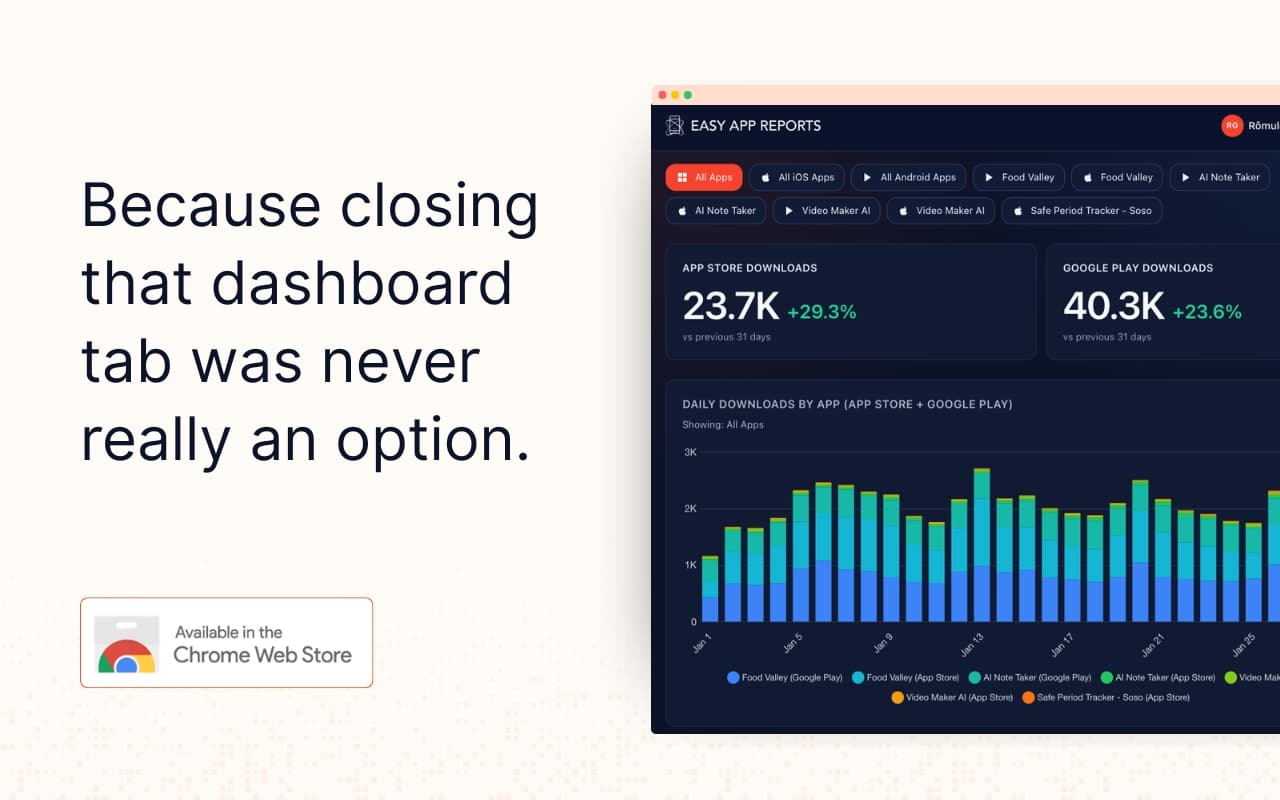
AppTab is a Chrome extension that surfaces your App Store and Play Store data directly in Chrome's new tab page.
That's it. Every time you open a new tab, your app performance is already there: all apps, both stores, all your accounts. No navigating to the dashboard, no loading spinners, no extra steps.
It's the same data you already have in Easy App Reports, just one less place you have to go to see it.
Who It's For
If you're already an EAR user and you check your numbers daily (or more), AppTab is a small quality-of-life upgrade that makes your existing workflow even faster. It's especially handy if you work with a team: anyone with an EAR account can install it and have the numbers in front of them throughout the day without touching a dashboard.
AppTab is free on all Easy App Reports plans, including Kickstart. Setup takes about a minute.
How to Get It
- Install AppTab from the Chrome Web Store: get it here
- Log in with your Easy App Reports account
- Open a new tab
Not on Easy App Reports yet? Start here.
